Theresa Frazer
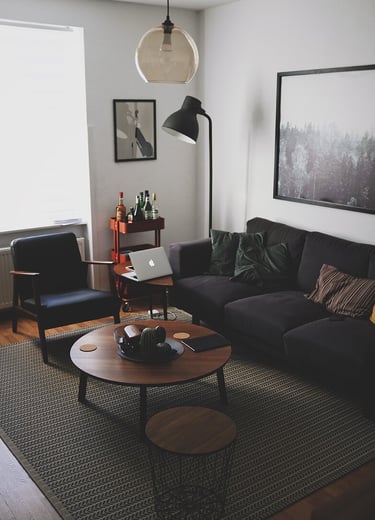

Before you start, Make sure your images are uploaded to the media library. Click the three dots (More) in the left menu. Choose media library and create a new folder with your name. Go to that folder and choose upload images. Replace to top image with one of your own.
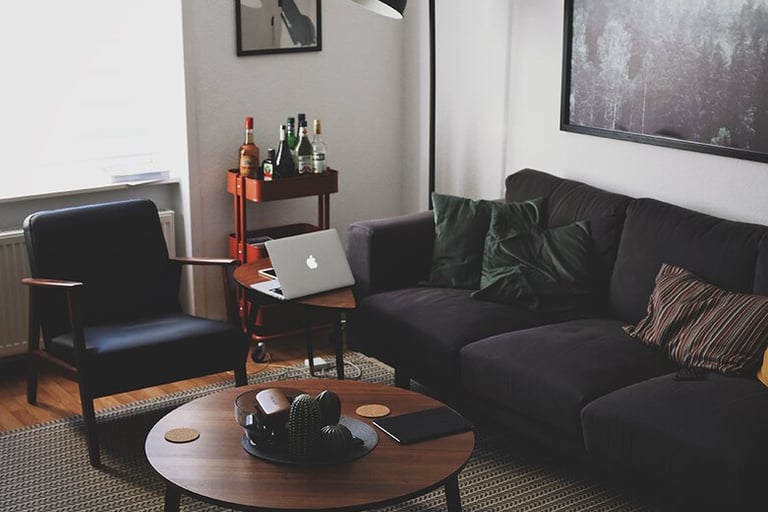
Caption
This is a shape. with text over it. Change the color by clicking the shape for the then choosing the dot. Shapes can overlap.
Caption
Caption
Caption
Use more than one section. Click the background to see section options. If you are not done with a section, you can hide it from the navigation using the eye symbol. When you come back you have to make the section visible again in order to work on them. You can duplicate a section, and move sections up and down on the page. Choose edit section for more. Always click the three dots for more. Click the arrows at the bottom right of the section to make it vertically smaller or larger.
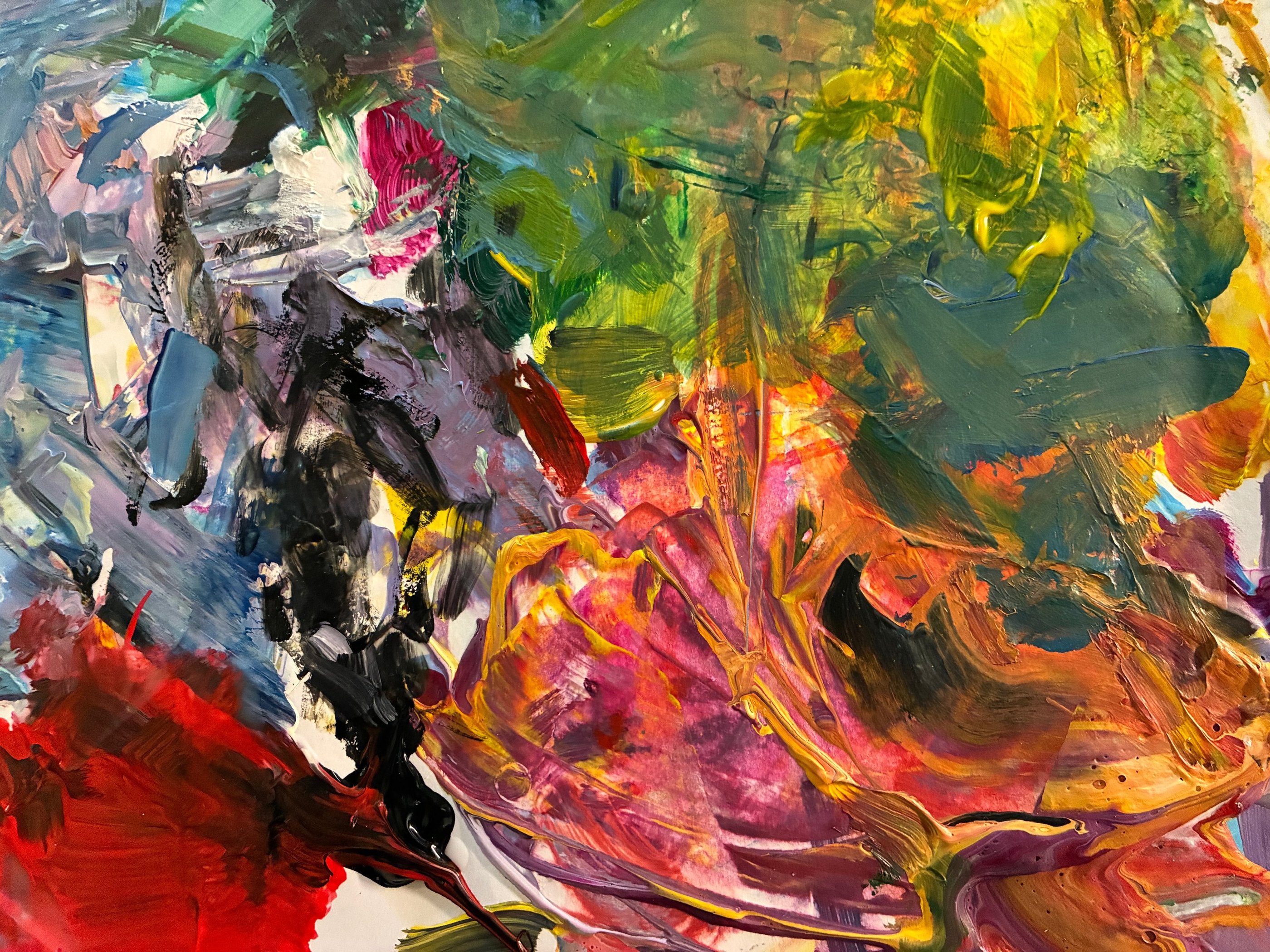
Drag an image elment to the page. Click on the placeholder and choose edit image. Replace it with your own from the media library. Enter alt text so it will appear when you rollover the image. Under Action, choose Open in full screen preview.
Click the phone icon at the top next to the computer icon. Edit the phone view to be the way you want.
This page has directions to help you get started. Delete them or replace them when you are ready to create your page. When you get stuck, ask AI (top)
Drag a text block. Choose Edit text. Select the placeholder text and change it to Paragraph 1. For Head style change to one of the Heading choices. Make sue your name is Heading 1. Do not use return to create a new paragraph. Drag another text block to the page.



Using a gallery
Click the gallery to add your images and delete the placeholders. You will have to create a text block to one side to describe the images. You cannot add a caption to each image.
© 2026 Brig Studio Artists
Inquiries: Theresa Frazer tfletcherfrazer@gmail.com